Clipboard
Everything you copy, ready to paste again. Pin the ones you keep, search the rest.
 Power Board
Made for the way Mac work moves.
Double-tap ⌃ Control to pop up your clipboard panel right at the cursor.
And keep your clipboard at the cursorsticky notes on the desktopMarkdown in its own window.
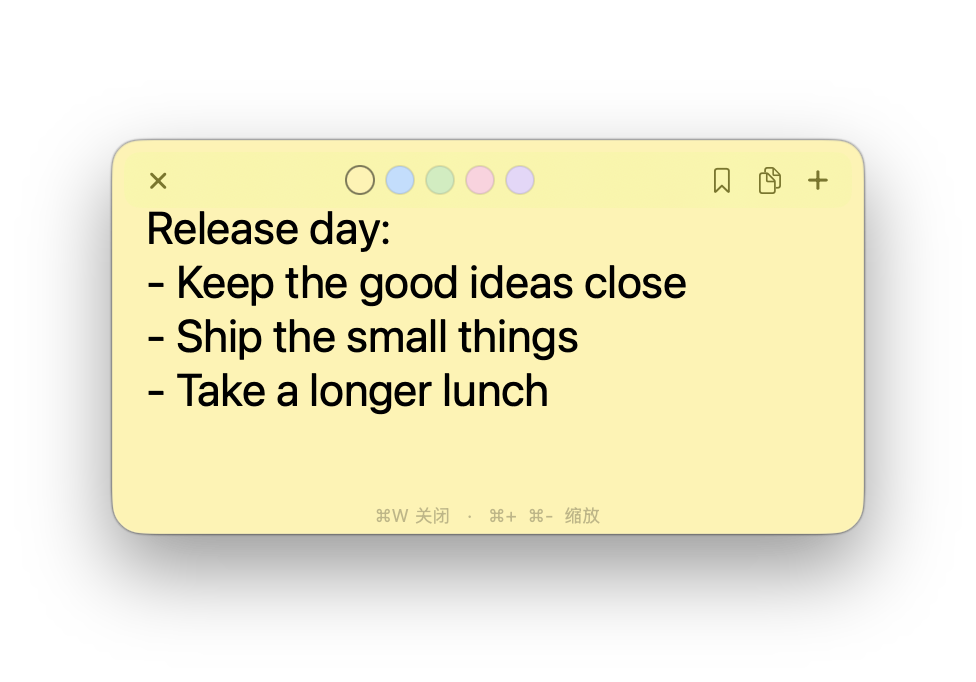
Sticky Note · independent desktop window
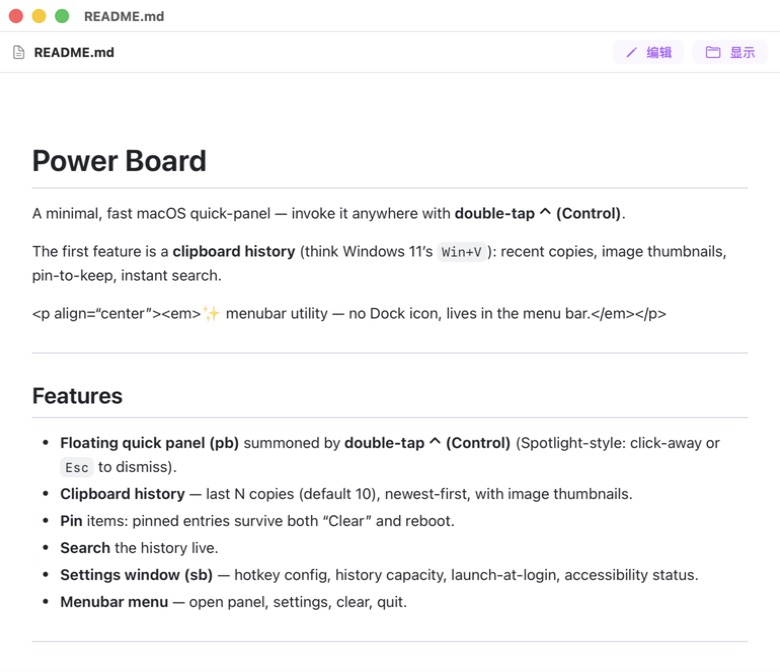
Markdown Reader · independent document window
The toolkit
Clipboard, Sticky Note, and Markdown Reader — quietly available when you need them.
Everything you copy, ready to paste again. Pin the ones you keep, search the rest.
Create a colorful sticky note in its own always-on-top desktop window. Save it to keep it after a restart.
Open any .md file in a clean, independent reader window — code blocks, tables, diagrams. Fully offline.
Three quick steps and the panel is yours.
Hit Download, then open PowerBoard.dmg and drag PowerBoard.app to Applications.
Drag PowerBoard.app into your Applications folder.
The double-tap ⌃ hotkey needs Accessibility. On first launch Power Board asks once; or add it manually:
Done — double-tap ⌃ Control anywhere and the panel appears.
The current build is arm64 (M1/M2/M3/M4). If you're on an Intel Mac, reach out and I'll ship an x86_64 build.
macOS 14.0 (Sonoma) or newer.
No. There is no network code in the app. Everything stays in ~/Library/Application Support/PowerBoard/.
Quit the app, drag PowerBoard.app to Trash, and optionally delete ~/Library/Application Support/PowerBoard/.
Spotted a bug or have an idea? Drop it here — everyone can read it, and I'll reply.
If Power Board helps you, a coffee is always appreciated ☕


Scan to follow Power Board on Xiaohongshu for updates and tips.